
Choose & validate
Confirm patient identity, current location, dietary eligibility, meal availability and service window.
HOSPITAL FOOD SERVICE, REIMAGINED
From a patient’s phone to their room. From the coffee shop to the central kitchen. Bring your entire hospital dining operation together.
01 / THE WORKING PLATFORM
Explore the actual hospital dining applications. See the screens your teams will use, then open the relevant workspace directly.
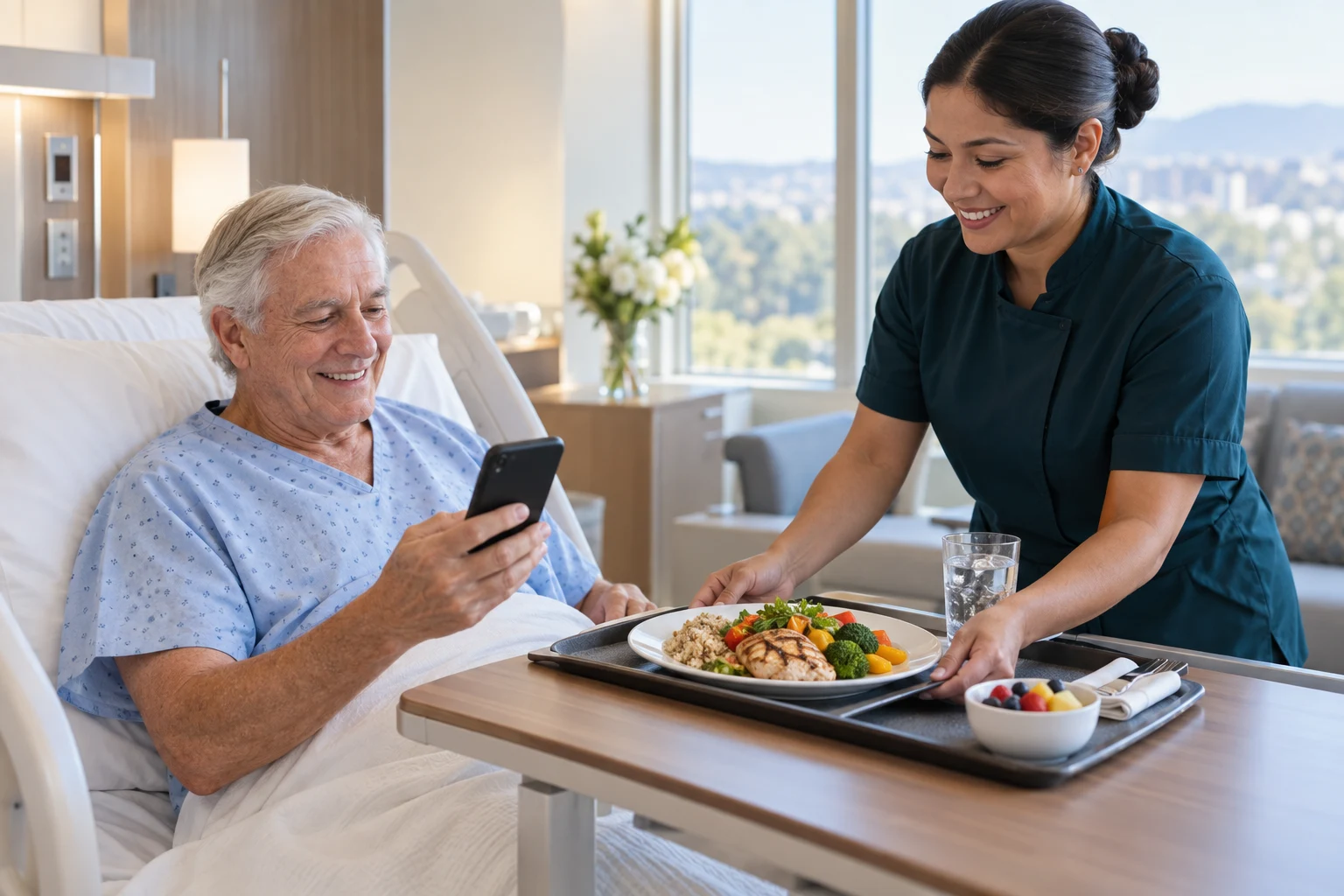
Patients browse meals matched to their diet and send their selections into the hospital’s meal-service workflow.
The employee dining application brings cafeteria favorites and coffee-shop ordering together, with pickup or delivery to the employee’s unit.
Let diners browse eateries, explore categories and customize their selections using the actual self-service ordering application.
The working POS connects cafeteria, coffee-shop, to-go and delivery service with the hospital menu, check controls and back office.
Kitchen teams see meal tickets, destinations, diet information and service status in a dedicated workspace.
Explore the completed workspace for ingredients, recipes, inventory, purchasing, production and financial reporting.
Actual application captures • Demonstration environment with synthetic records • Access permissions apply when opening staff workspaces.
02 / APPLICATION DIRECTORY
Go directly to the application you need. Patient and employee experiences, service operations, and the back office—all accessible from here.
For patients, families, employees and visitors
For food-service teams and clinical nutrition
For operations, purchasing and finance
Links open the existing hospital demonstration applications. Staff applications use their existing sign-in and permissions. Payment and clinical demonstrations are subject to their in-app limitations.
A REAL PERSON IS ALWAYS AN OPTION
A patient can dial the hospital’s designated dining extension from their room phone. A staff member sees the same diet-appropriate menu, enters the order electronically, and sends it into the same kitchen and room-delivery workflow. Staff-assisted bedside ordering and authorized caregiver assistance can support patients who need another way to order.
03 / FROM THE ROOM TO THE RIGHT KITCHEN
Orders from patient rooms, floors, phones, kiosks and POS stations join a coordinated production workflow. Your teams prepare, check and deliver the food; the system moves the information.
Confirm patient identity, current location, dietary eligibility, meal availability and service window.
Send each item to the responsible kitchen or station, using destination, capacity and production rules.
Coordinate split-kitchen items, match the tray to the order, and flag exceptions before dispatch.
Direct delivery by campus, building, floor and room. Record patient verification and delivery completion.
Main kitchen → Tray assembly
Diet checkedDiet kitchen → Tray assembly
Staff-assisted orderGrill + coffee bar → Pickup
Coordinated preparationElectronic self-ordering removes routine order-taking for eligible patients. Clinical review, food preparation, tray checks and delivery remain with the appropriate hospital teams.
04 / PATIENT CHOICE, WITH CLINICAL GUARDRAILS
Dietary restrictions belong in the ordering workflow—not on a note someone has to remember.
Patient menus respect hospital-approved nutrition rules, active dietary orders and documented allergies. Electronic health record and admission, discharge and transfer interfaces connect the menu to the patient’s current care context.
Hold affected orders when the diet feed is unavailable, a patient is made NPO, or an unresolved conflict appears. Route exceptions to authorized staff and recheck affected meals before delivery.
Apply clinician-defined carbohydrate, sodium, fluid and other nutrient limits. Show only eligible choices for the ordered diet.
Screen declared allergens and approved substitutions. Connect recipe changes to menu eligibility and kitchen alerts.
Support prescribed texture-modified meals and thickened liquids using hospital-approved classifications and recipes.
Reconcile room transfers and discharges. Verify identity at delivery with the hospital’s approved identification process.
Clinical rules, interfaces and escalation procedures are configured and validated with your dietitians and clinical teams. Software supports—but does not replace—clinical judgment or kitchen allergen and cross-contact controls.
05 / A VISION FOR BAPTIST’S 14-HOSPITAL ROLLOUT
Extend the same connected food-service model across the 14-hospital planning scope, plus participating clinics, medical malls and satellite dining locations.
Menus · Purchasing · Production · Performance
Illustrative rollout scope provided for this presentation; not a deployment or affiliation claim.
Bring demand into a single purchasing view while keeping each facility’s operating needs visible. Central kitchens and local kitchens share the work, with orders and food traced to their destination.
THE OPERATING DETAIL THAT MAKES THE DIFFERENCE
Standardize recipes, portion sizes, yields and approved substitutions. Understand ingredient, portion and menu costs as prices change.
Use demand, pars and available inventory to plan replenishment. Track supplier prices, purchase approvals, partial receipts and invoice differences.
Follow stock from receiving to storage, production and transfer. Track lots, expiration dates, waste and recall investigation records.
Coordinate prep lists, batch recipes and patient meal demand. Replenish nourishment rooms and floor stock with accountable department requests.
Support family and guest meals, meeting catering, department billing and approved allowances alongside your daily retail operation.
See order-to-delivery time, missed meals, call volume, waste, food cost and outlet sales. Compare facilities and drill into operational exceptions.
Scope EHR, ADT, identity, payroll, procurement and finance interfaces around your environment. Define ownership, validation and reconciliation for each connection.
Role-based permissions, audit history and controlled approvals keep responsibilities clear across clinical nutrition, food service, finance and IT.
WHY CHOOSE PAYBOTX OVER VOLANTÉ?
The case for PAYBOTX is the breadth of the proposed operating model: patient nutrition, bedside delivery, retail dining and enterprise food management in one coordinated program.
| What your hospital needs | Volanté’s published offering | The PAYBOTX approach |
|---|---|---|
| Cafeteria, kiosk & mobile ordering | Markets POS, self-service kiosks and digital ordering. | A connected starting point. Bring these channels into the same plan as patient dining and kitchen operations. |
| Employee dining benefits | Markets badge pay, payroll deduction, meal plans and discounts. | Fit the entire shift. Combine employee benefits with mobile pickup and hospital-wide service planning. |
| Diet-aware patient room service | The reviewed healthcare page emphasizes retail dining. Confirm detailed clinical room-service scope with the vendor. | Make patient dining central. Personalized menus, assisted extension ordering, diet checks and room delivery are part of the proposed solution. |
| Kitchen-to-room coordination | Markets kitchen displays; confirm multi-kitchen patient tray and delivery workflows during evaluation. | Follow the complete meal. Connect routing, preparation, assembly, verification and the final room destination. |
| Enterprise control | Markets multi-location POS and consolidated reporting. | Connect supply to service. Align purchasing, recipes, inventory, production, entities and delivery with the dining operation. |
The decision: evaluate the complete patient-to-purchasing workflow, not just a terminal feature list. Ask both providers to demonstrate it with your hospital’s scenarios.
Build your evaluation around the whole hospital →Comparison based on Volanté’s healthcare page and digital-ordering information, reviewed September 28, 2026. “Confirm” indicates a scope question, not an assertion that a competitor lacks a feature. PAYBOTX scope and integrations are established in the implementation agreement. Volanté is a trademark of its respective owner.
A BENEFIT TO THE WHOLE HOSPITAL
Make dining a better part of the hospital day.
For patients More independence, clear choices and a personal room-service experience.
For employees Convenient food access and less of a short break spent waiting.
For operations Fewer manual handoffs, coordinated kitchens and traceable deliveries.
For leadership Shared purchasing, measurable service performance and a repeatable rollout model.
EXPLORE THE OPPORTUNITY
Estimate routine order-taking time that could be redirected to patients who need assistance.
Illustrative estimate, not a savings guarantee or staffing recommendation. Orders × independent-order share × minutes × hospitals ÷ 60. Excludes clinical review, preparation and delivery. Validate against actual workflows.
A PRACTICAL PATH TO FOURTEEN HOSPITALS—AND BEYOND
Bring food service, clinical nutrition, nursing, IT, finance and purchasing together. Map diets, rooms, kitchens, entities and integration requirements.
Start with a representative patient unit, kitchen and retail outlet. Validate dietary rules, accessibility, assisted ordering, delivery and downtime procedures.
Use agreed acceptance criteria, training and service metrics to expand across hospitals, then participating clinics and medical malls.
CLIENT SOLUTIONS GROUP
Bring your patient, employee and enterprise food-service teams to one conversation.
We’ll map patient ordering, nutrition safeguards, kitchen fulfillment, retail dining and network purchasing around your organization.
Contact Mark Yelen markyelen@me.comPlease do not send patient information through email.